OnPace. Three commitments a day. Confront the gap.
The morning: three commitments, no more.
Hard cap of three forward tasks. Anything past the cap forces a triage decision before it joins the day.
At commit: vague tasks get rejected at the door.
The AI clarity check runs the moment you commit. Too generic to act on gets called out and rewritten concrete.
The day exists outside the app.
Lock-screen Live Activity, home-screen widget, and iOS calendar sync keep the commitment in view. Tasks become time.
Nightfall: every task gets a decision.
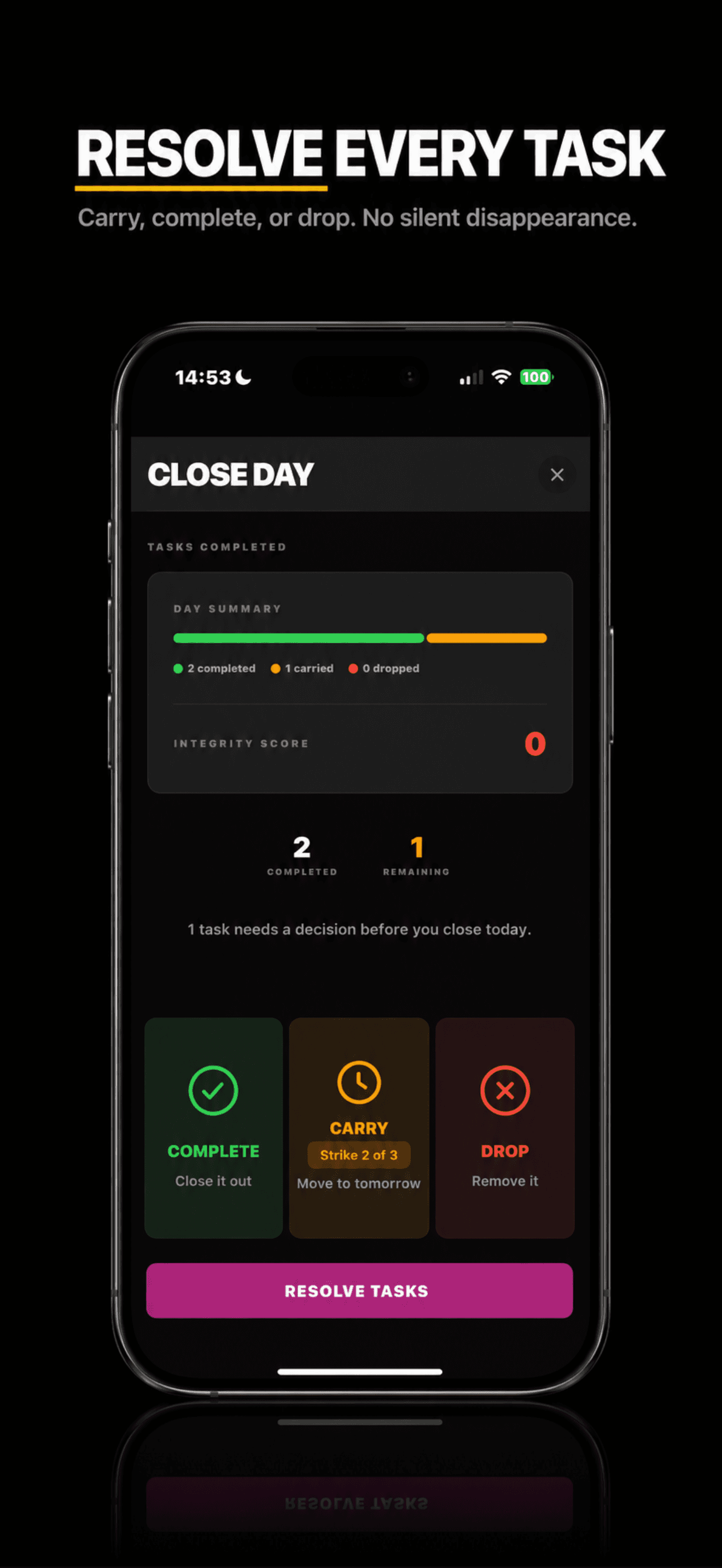
Close Day runs every night. Complete, carry, or drop. No skip, no silent rollover. The integrity score is the day's verdict.
It shows you what you avoided.
OnPace does not praise you. Confront the gap.
Three commitments a day. Close Day every night. No escape routes.
Three statements OnPace refuses to soften.
It is discomfort avoidance. Every productivity app that frames it as a time management problem is solving the wrong problem. OnPace starts from the correct one.
OnPace rewards execution. You do not get points for adding tasks. You get a score at the end of each day for what you actually did. There is no reward structure for good intentions.
Not thirty. Three. Close Day runs every night. No skip, no silent rollover, no 'try again tomorrow.' Every unfinished task gets a decision. No escape routes.
Three commitments. One screen. Nothing hides.
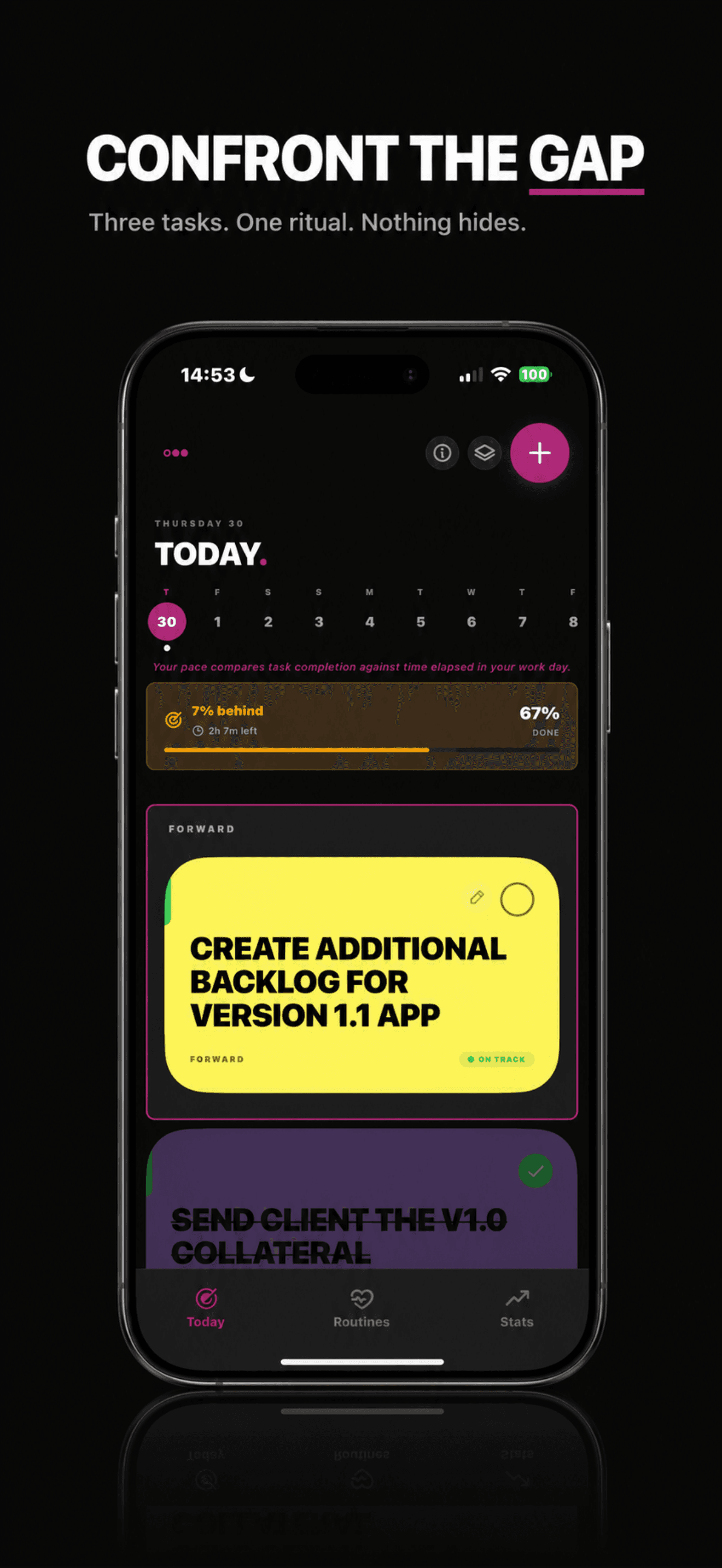
OnPace replaces the to-do list with a three-task forward stack and a pace bar that compares completion against time elapsed in your work day. Forward, Status Quo, Routine. Every task lives in one of three lanes.
Three tasks max. Anything past the cap forces a triage decision before it joins the day. The screen you open in the morning is the screen you answer to at night.
- Hard cap of three Forward tasks per day.
- Pace bar shows behind / on track / ahead in real time.
- Carry strikes show on the card itself. No buried metadata.
Vague tasks get rejected at the door.
Type “do some work” and OnPace stops you. The AI clarity check runs the moment you commit. If the task is too generic to act on, the app calls it out and proposes a concrete rewrite, or breaks it down into a subtask sequence.
The three-task cap forces you to choose what matters. AI clarity forces you to say what you actually mean. There is no fourth option.
Tasks become time, not buried list items.
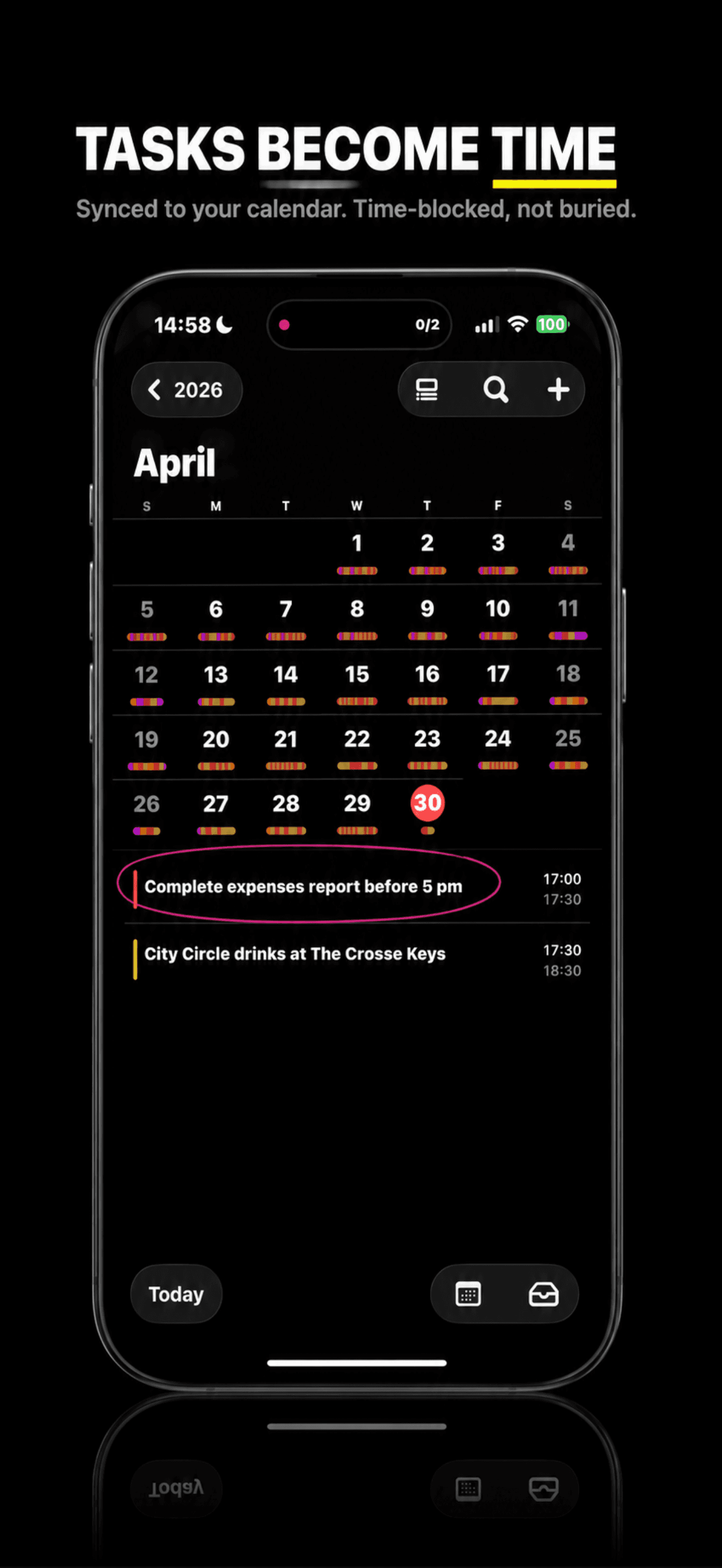
Schedule a task and OnPace writes it to your iOS calendar with start and end times. It shows up alongside your meetings, drinks, and gym slots. Not in a separate productivity silo your future self will ignore.
If the calendar already says 17:00 to 17:30, the task is real. If it lives in another app, it is fiction.
- Native iOS calendar integration via expo-calendar.
- All-day and timed events. Carry forward updates the slot.
- OnPace tasks render with a pace-coded bar so the colour matches your day.
The day exists outside the app.
Lock-screen Live Activity and home-screen widget keep the active commitment, the elapsed time, and the day's score in your peripheral vision. No tap, no transition, no app to open.
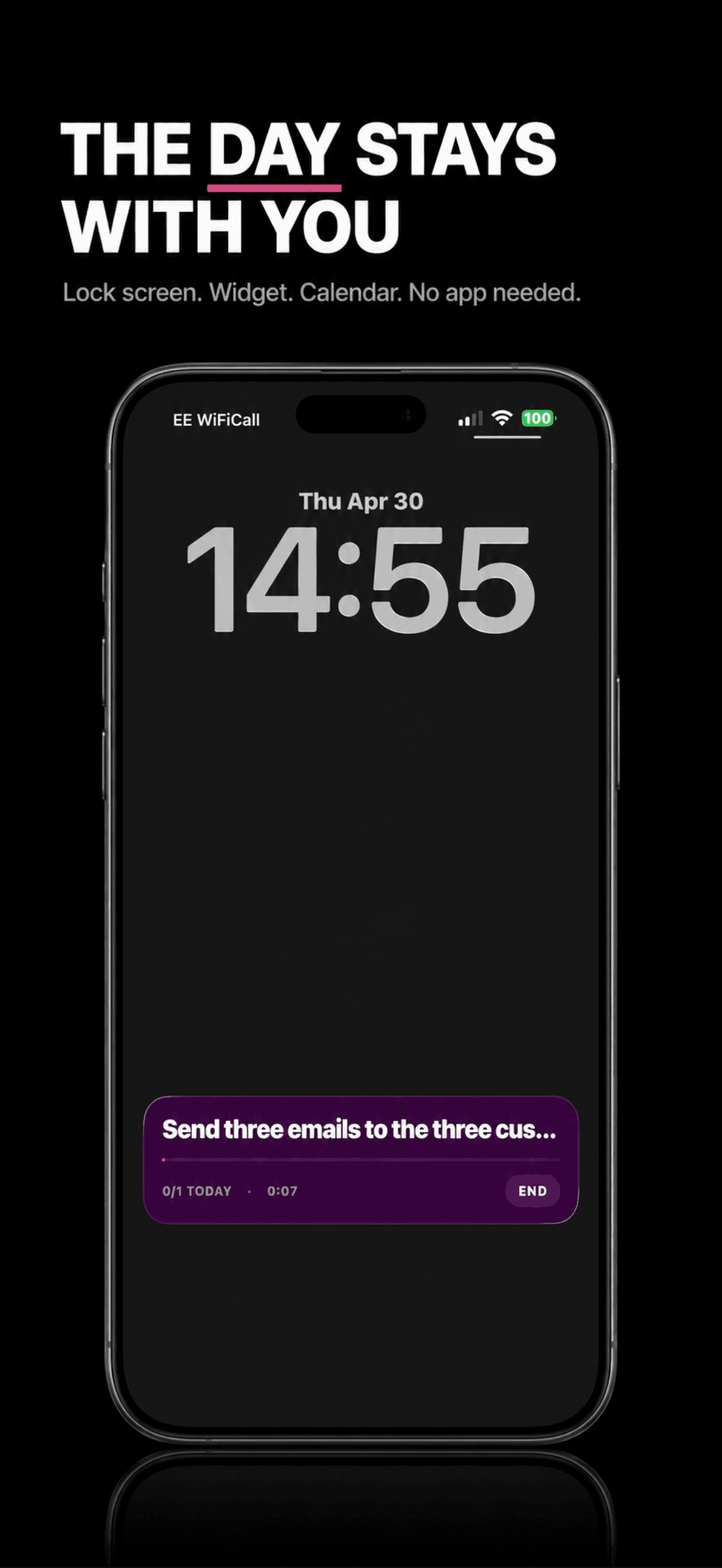
- Persists for the duration of the active task.
- End the session from the lock screen. One tap, no app launch.
- Auto-dismisses on task complete, carry, or end of day.
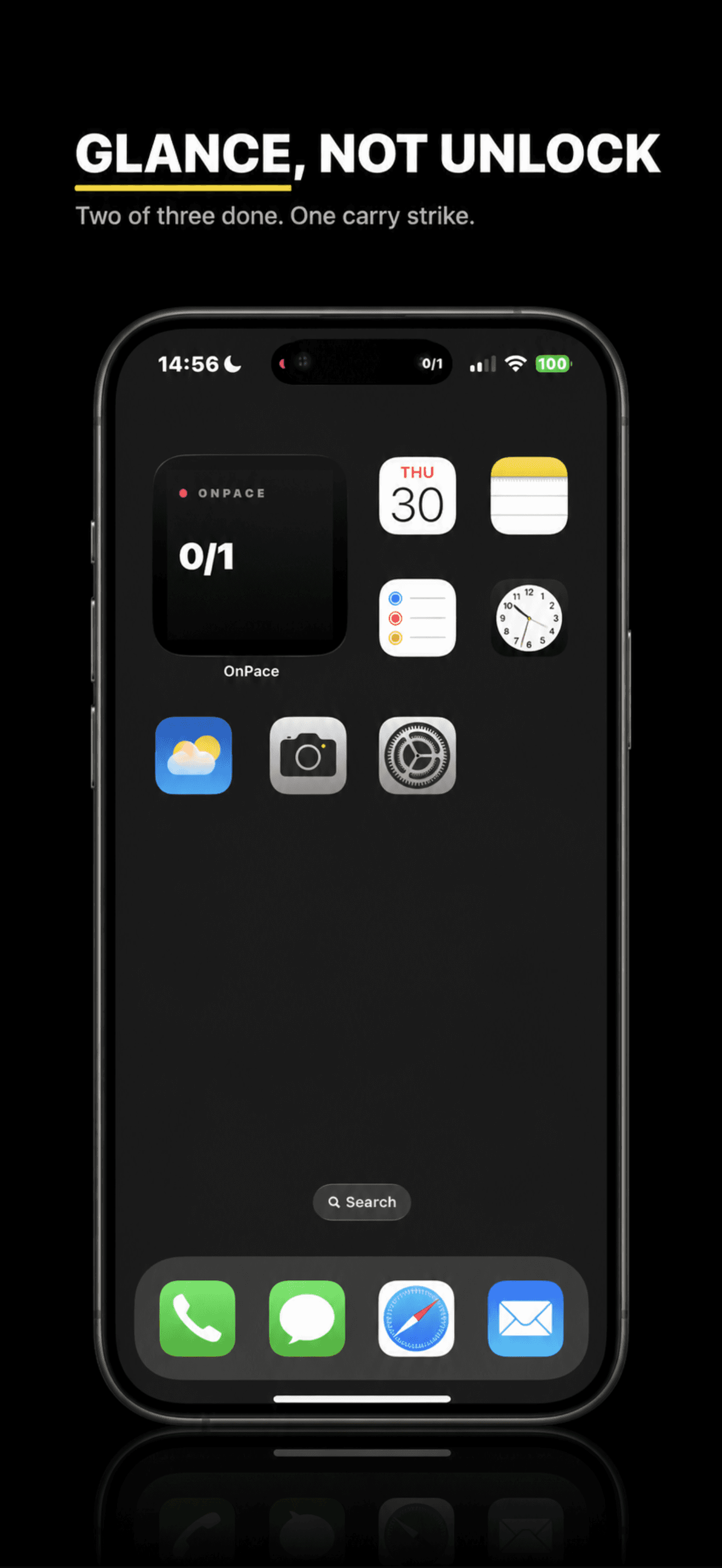
- Small and medium widget sizes for any home-screen layout.
- Updates after every task completion and at the rollover boundary.
- Same colour grammar as the app: green for done, magenta for active, orange for carry.
Resolve every task. No silent disappearance.
Silent rollover is how to-do lists become graveyards. OnPace runs a forced Close Day at the end of every day. Every unfinished task gets exactly three options: complete, carry, or drop. There is no skip, no later, no fourth way.
The integrity score is the day's verdict. Carry strikes accumulate on each task, visible on the card itself, until the third carry forces the choice.
- Three options only: complete, carry, drop. Carry shows the strike count.
- Integrity score is the day's verdict. Clean or carried.
- Day cannot end without Close Day. The ritual is the product.
See where you slip. Fourteen days, no hiding.
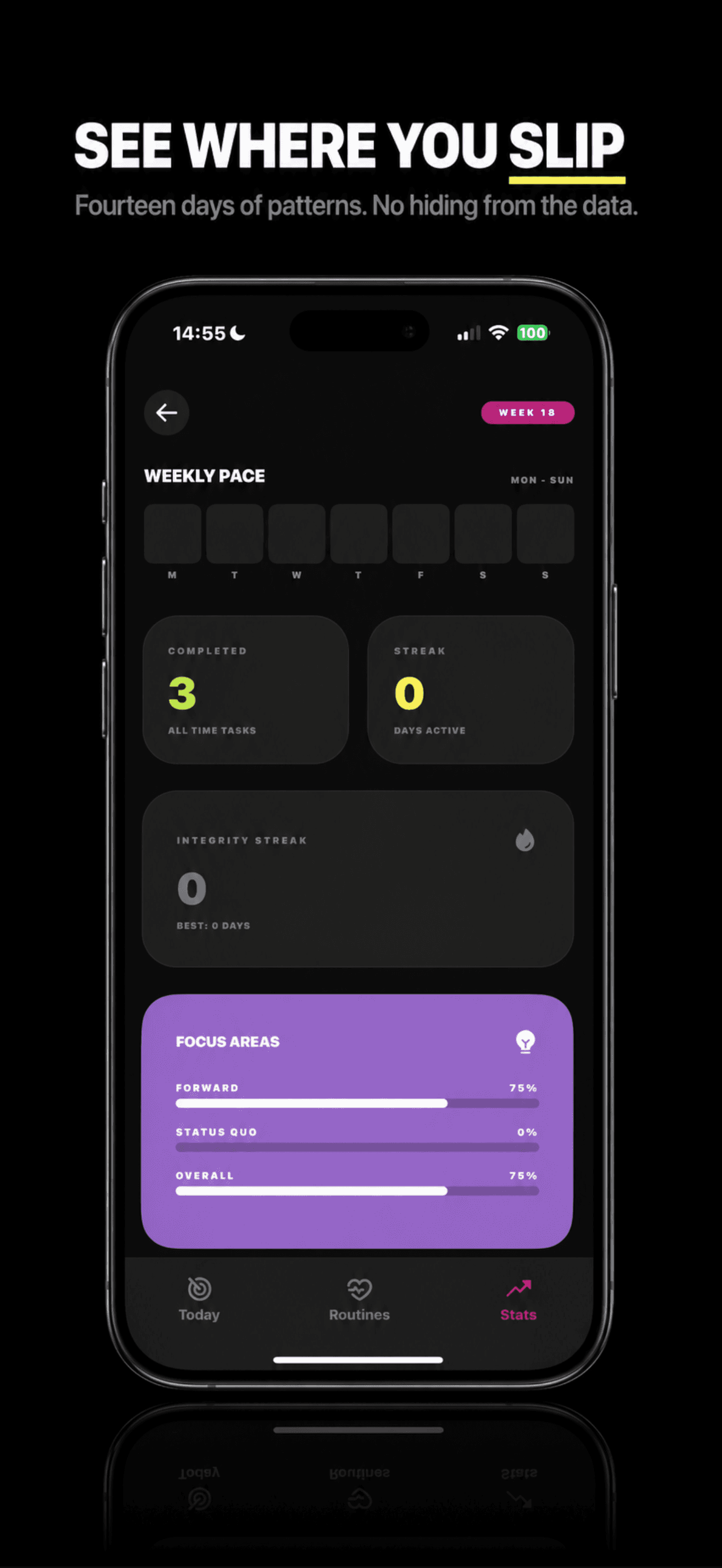
Every night during rollover, OnPace computes a 14-day behavioural profile: which lane you carry most, which day of the week you fail on, where your real focus goes versus where you say it goes.
Pro is not more features. Pro is the app becoming self-aware of your avoidance patterns and telling you what you have actually been doing instead of what you think you have been doing.
- Weekly pace heatmap and integrity streak. No curated vanity metric.
- Focus-area breakdown by lane: Forward vs Status Quo vs Routine.
- Carry risk prediction at the moment of commitment.
Small features that add up.
No ads, no upsells, no gamification, no dopamine traps. The app shuts up and gets out of the way.
12 weeks of clean vs carried days, colour-coded. No cheating, no grace period.
Recurring commitments that auto-populate each day. Non-negotiable structure.
AES-256-GCM on device before upload. The key never leaves your iPhone.
Your full history, on demand, in a format every tool understands.
Anonymous events only. No IP, no names, no task content.
“Procrastination is discomfort avoidance, not laziness. OnPace exists because every other productivity app treats it as a time management problem. It isn't.”Read the full manifesto